Evaluating the Procreate Color Palette Van Gogh for Digital Artists
Digital illustration has evolved from a niche hobby into a professional standard for designers, illustrators, and content creators. Within this ecosystem, Procreate on the iPad has become a dominant tool due to its intuitive interface and powerful brush engine. However, even the most skilled artist can struggle with color theory when working under tight deadlines or facing creative blocks. This is where curated resources like the Procreate Color Palette Van Gogh enter the workflow. Rather than relying solely on instinct or generic color wheels, many professionals are turning to historically inspired palettes to streamline their process and add a layer of artistic cohesion to their work.
This article examines the practical utility of the Van Gogh-inspired palette, analyzing its composition, file structure, and real-world application for modern digital creators. We will look beyond the aesthetic appeal to understand how such a tool integrates into a professional pipeline, who benefits most from its use, and what users should expect regarding compatibility and functionality.
The Composition and Design Philosophy
The core value of the Procreate Color Palette Van Gogh lies in its curation. Vincent van Gogh’s work is renowned for its emotional intensity, achieved through bold contrasts and specific harmonic relationships between colors. His use of complementary colors—such as blue and orange, or yellow and violet—created vibrancy that defined the Post-Impressionist movement. Translating this historical mastery into a digital swatch file allows contemporary artists to access these proven harmonies instantly.
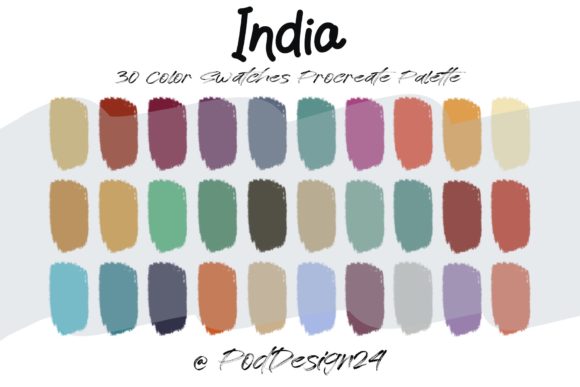
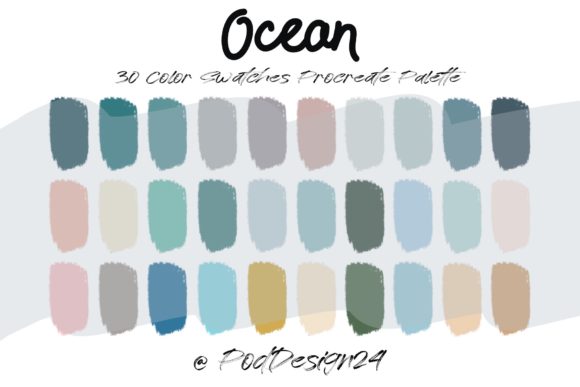
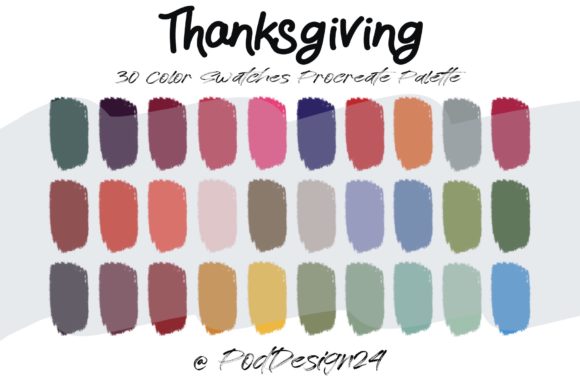
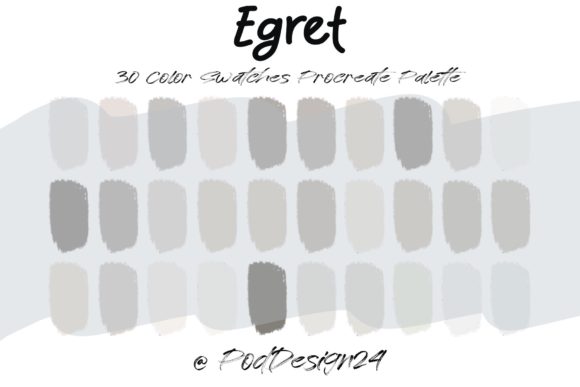
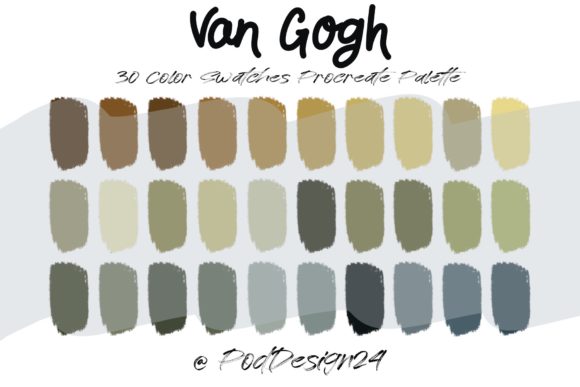
The package typically includes a .swatches file containing 30 distinct colors. This number is significant; it is large enough to provide variety for shading, highlighting, and background elements, yet small enough to prevent decision paralysis. The colors are not random selections but are sampled directly from key works, ensuring that the tonal relationships remain authentic to the source material. For a digital artist, this means the heavy lifting of color selection is already done. The palette provides a foundational structure that guarantees visual consistency across a piece.
Technical Specifications and File Format
Upon purchase or download, users receive a ZIP file. Inside, the primary asset is the Procreate swatch file. It is crucial to note that this format is native to the Procreate application. The process is straightforward: after downloading and unzipping the file, the user imports it directly into the Procreate library. Once imported, the palette appears in the color disc menu, ready for immediate use. This seamless integration is a major strength, as it requires no third-party plugins or complex conversion steps.
However, potential buyers must pay close attention to the annotation provided by the creator: "Please be sure the files listed above will work with your machine and software." This is not merely a formality. The .swatches format is exclusive to Procreate on iOS and iPadOS. It will not function in Adobe Photoshop, Clip Studio Paint, or Procreate Pocket on iPhone unless explicitly supported by updates. Users operating on Android tablets or desktop-based software will find this specific file incompatible. Therefore, verifying your hardware and software environment before acquisition is a necessary step to avoid frustration.
Practical Application in Professional Workflows
For freelancers and agency designers, time is a critical resource. Starting a project from a blank canvas often involves extensive experimentation with color schemes. Using the Procreate Color Palette Van Gogh can significantly reduce this setup time. Instead of spending hours adjusting hue and saturation sliders, an artist can begin sketching with colors that are guaranteed to harmonize. This efficiency is particularly valuable for commercial projects where client revisions and tight deadlines are common.
Consider a scenario where a marketer needs to create a series of social media graphics with a warm, inviting, yet artistic feel. By applying this palette, the designer can instantly evoke the emotional resonance associated with Van Gogh’s work—nostalgia, warmth, and energy. The 30-color range allows for sufficient depth to create realistic lighting effects while maintaining the stylized look. This consistency helps in building a recognizable brand aesthetic, especially for businesses that rely on storytelling and visual emotion.
Strengths for Educators and Hobbyists
Beyond commercial use, this palette serves as an excellent educational tool. Art educators and students can use it to study color theory in practice. By observing how the pre-selected colors interact during blending and layering, learners can gain insights into why certain combinations work better than others. It demystifies the abstract concepts of complementary and analogous colors by providing tangible examples. For serious hobbyists, it offers a way to elevate their digital paintings without requiring a formal degree in fine arts. The palette acts as a scaffold, supporting their creativity while they develop their own eye for color.
Usability and Limitations
While the Procreate Color Palette Van Gogh offers clear benefits, it is not a universal solution. Its primary limitation is its stylistic specificity. The colors are tailored to mimic a particular historical era and artistic style. Projects requiring a modern, minimalist, corporate, or neon aesthetic may find these earthy tones and vibrant primaries unsuitable. Artists working in sci-fi, cyberpunk, or high-tech genres might need cooler, more synthetic color ranges that this palette does not provide.
Furthermore, reliance on pre-made palettes can potentially hinder the development of independent color skills if used exclusively. Professionals recommend using such tools as a starting point or a reference rather than a crutch. The true skill lies in knowing how to modify these base colors—adjusting brightness, opacity, and blend modes—to suit the specific lighting conditions of a unique composition. The palette provides the ingredients, but the artist must still cook the meal.
Long-Term Value and Consistency
From a long-term perspective, the value of this asset lies in its reusability. Unlike a single tutorial or a temporary trend, a well-curated swatch file remains useful across multiple projects. Whether creating character designs, landscape illustrations, or pattern repeats, the consistent quality of the colors ensures that the artist’s portfolio maintains a cohesive visual language. For bloggers and publishers who produce regular visual content, having a reliable set of go-to palettes can streamline the production process and enhance brand recognition.
The reliability of the file format also contributes to its value. Since it is a native Procreate file, it is less prone to corruption or compatibility issues compared to converted image-based palettes. As long as Procontinue supports the .swatches format, this asset will remain functional. This stability is important for professionals who build libraries of resources over years of practice.
Who Should Consider This Resource?
The Procreate Color Palette Van Gogh is best suited for:
- Digital Illustrators who want to incorporate classical art influences into their modern work.
- Graphic Designers seeking quick, harmonious color schemes for branding or marketing materials with an artistic flair.
- Educators and Students looking for practical tools to teach or learn color theory.
- Hobbyists who enjoy painting but struggle with color selection and want to improve the aesthetic quality of their pieces.
It may be less suitable for:
- Artists working exclusively in non-Procreate software.
- Designers requiring strict corporate color codes or modern, minimalistic palettes.
- Users who prefer to build every color from scratch as part of their creative process.
Final Thoughts on Integration
Incorporating the Procreate Color Palette Van Gogh into your digital toolkit is a strategic move for those who value efficiency and artistic heritage. It bridges the gap between historical masterpieces and modern digital convenience. By providing 30 carefully selected colors in a native, easy-to-import format, it removes technical barriers and allows artists to focus on composition and storytelling. However, success depends on understanding its limitations and ensuring compatibility with your specific device and software. When used thoughtfully, this palette is not just a collection of colors, but a catalyst for more confident and cohesive digital art creation.